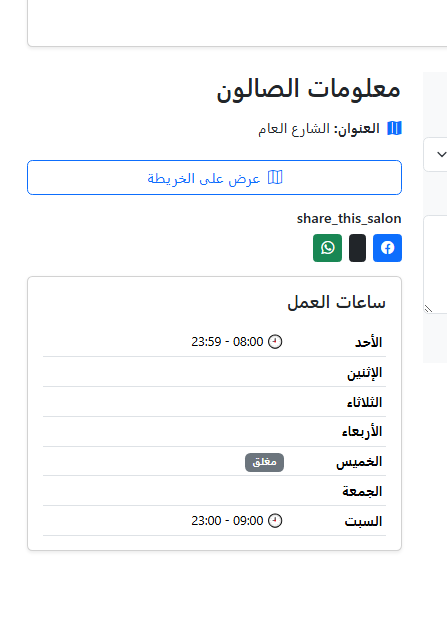
How to Set Salon Working Hours
This guide explains how to configure the salon working hours and breaks, with screenshots.
Step 1: Open Working Hours Settings
From the salon management page, open the Working Hours section.

Step 2: Select the Day
Choose the weekday you want to configure.

Step 3: Set Opening and Closing Times
Enter the first working period start and end time.
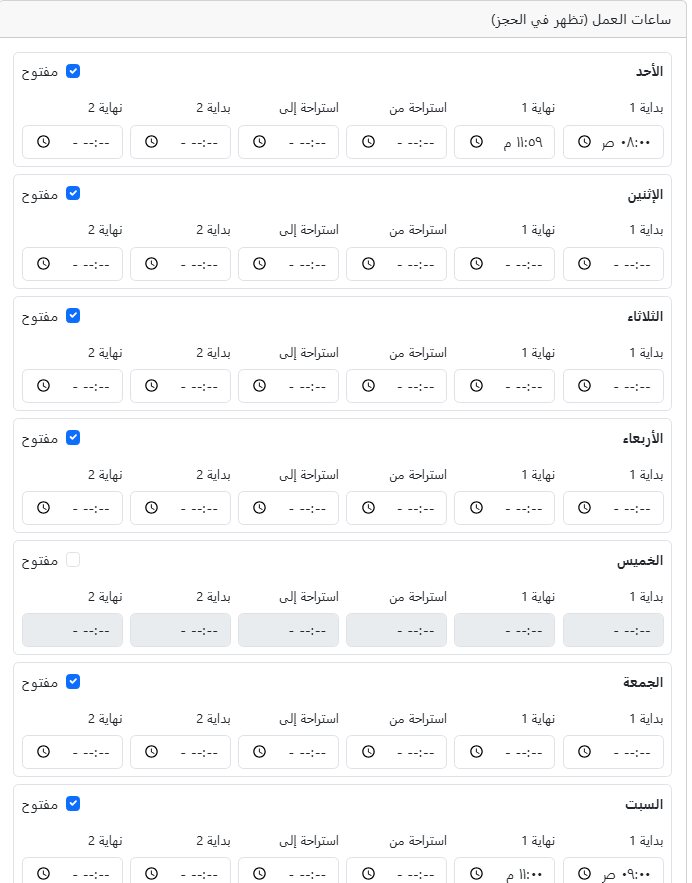
Step 4: Set Break Time (Optional)
If you have a break, specify break start and end times.
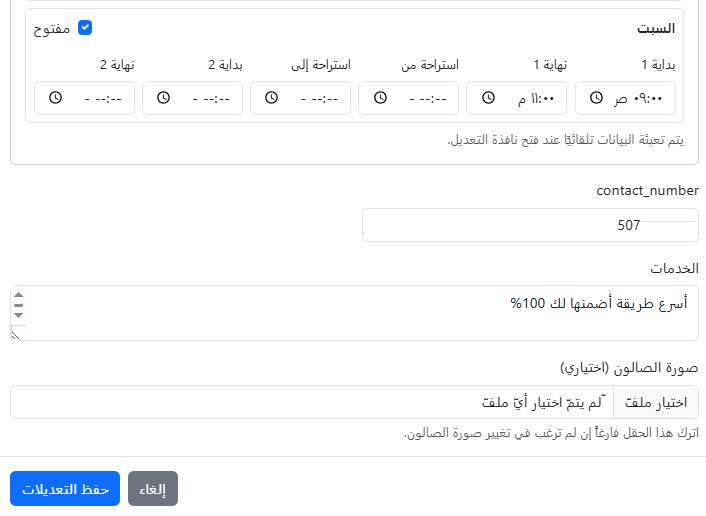
Step 5: Add a Second Period (Optional)
If your salon works in two shifts, fill in the second period times.

Step 6: Save Changes
Click Save to apply the changes. Repeat for other days as needed.