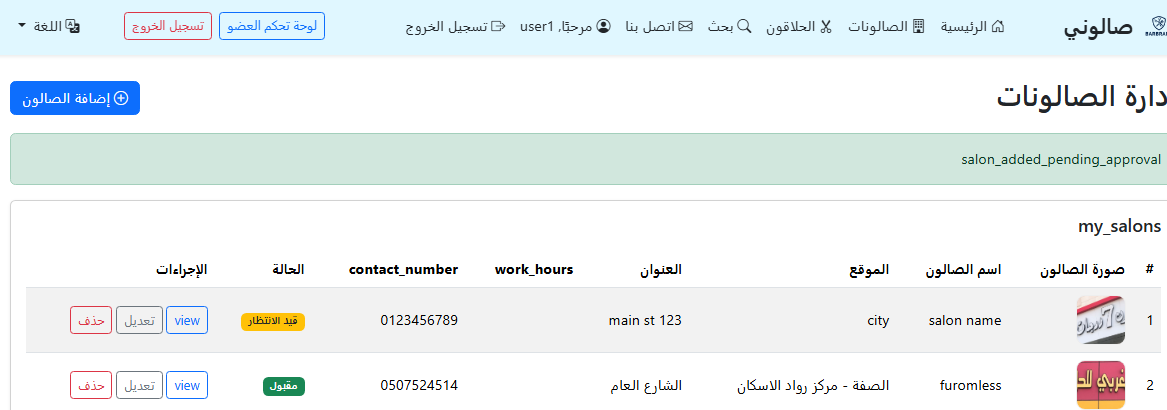
How to Create a Salon from the User Dashboard
This guide explains the steps to add a new salon from user/manage_salons.php with screenshots.
After adding the salon, it may require admin approval before appearing to the public.
Step 1: Open “My Salons”
From the user dashboard, go to Manage Salons to view your salons list and add a new one.
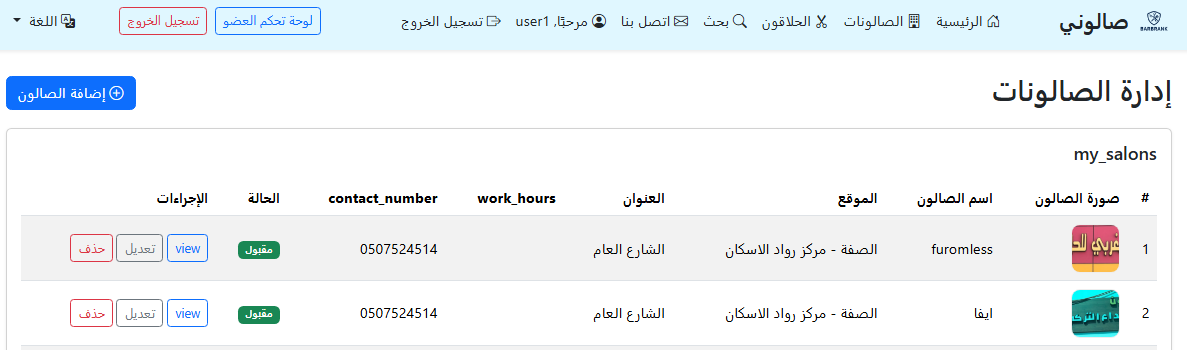
Step 2: Click “Add New Salon”
Click the Add Salon button to open the new salon form.
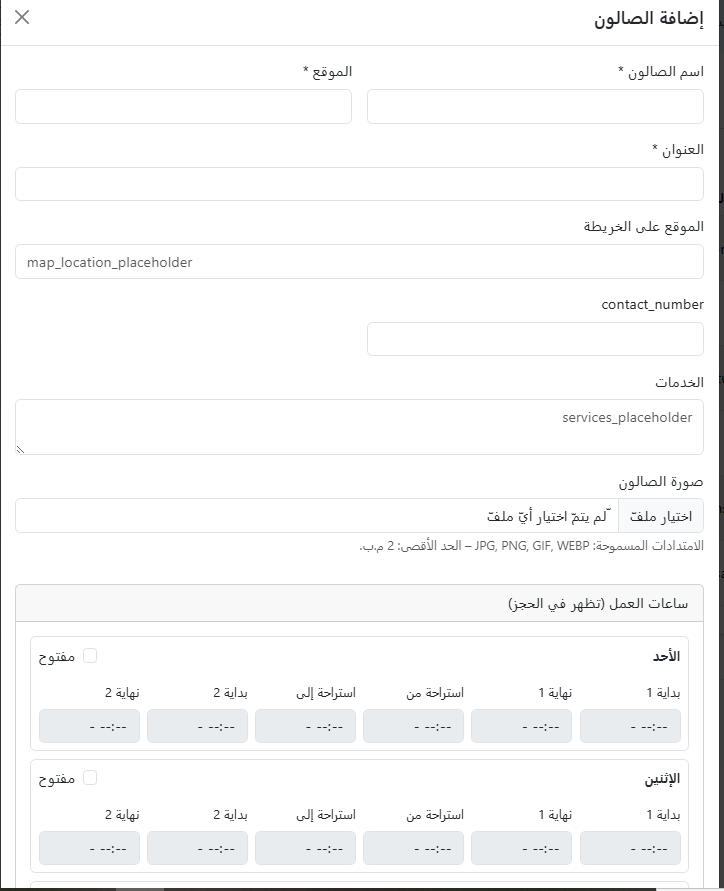
Step 3: Fill in Salon Information
Enter the salon details such as:
- Salon name
- City / location
- Description
- Salon image (optional)
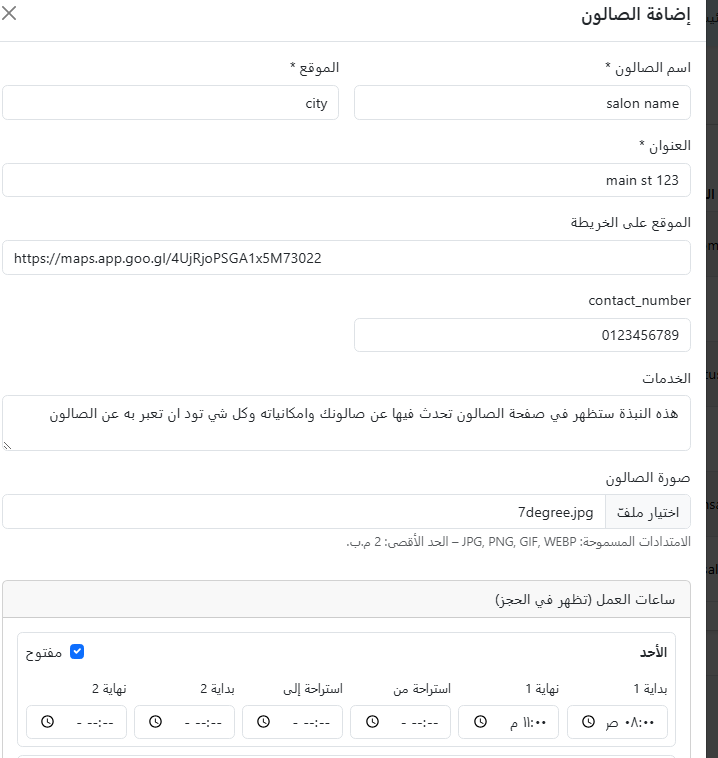
Step 4: Save the Salon
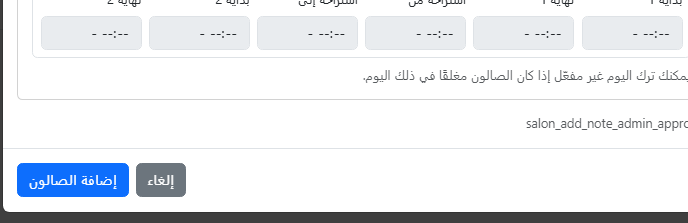
Click Save to submit the salon. You will see a success message if everything is correct.
Step 5: Wait for Approval (if required)
In some cases, the salon will appear as “Pending” until it is approved by the admin.